 Surya Prarap Singh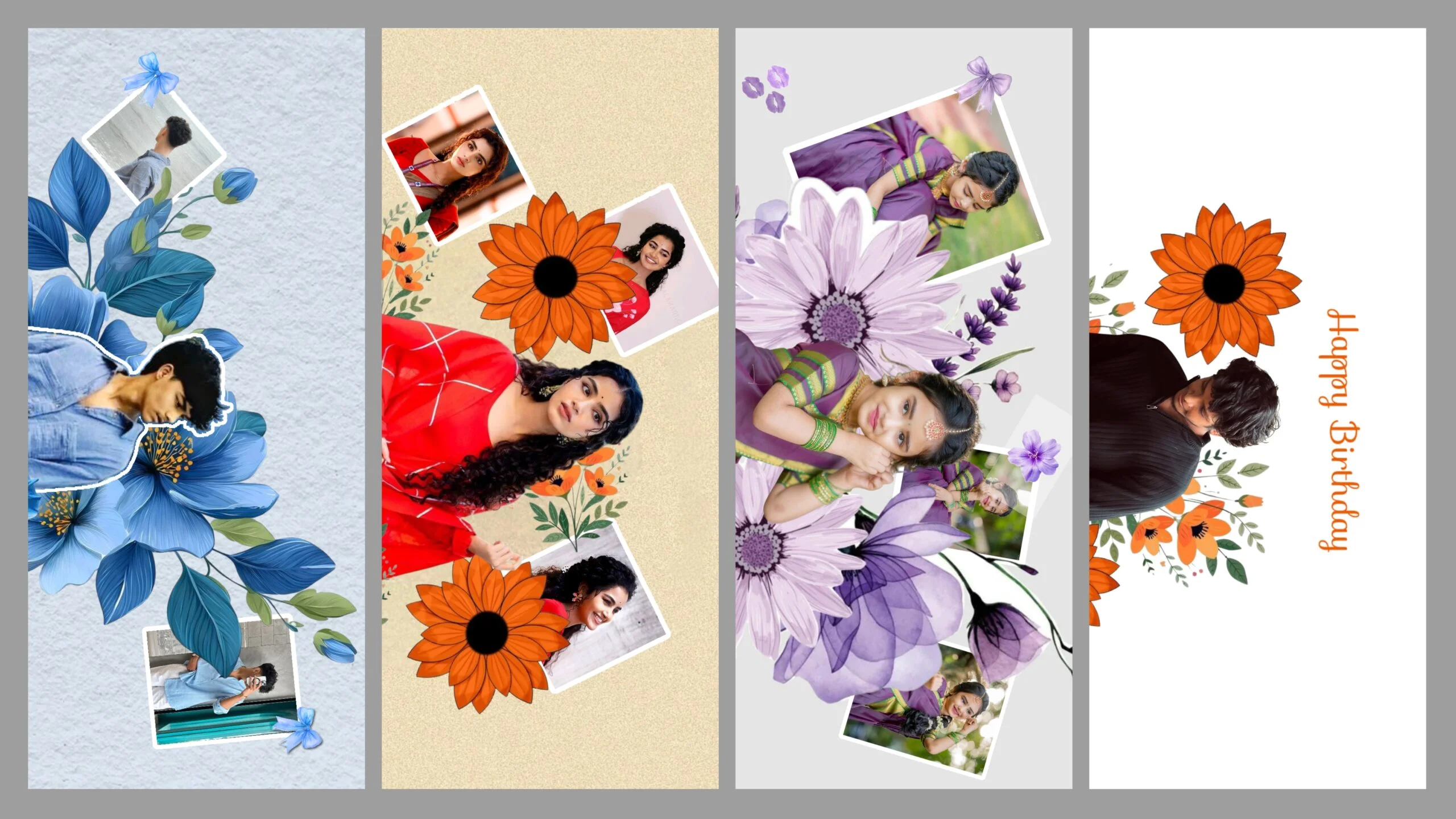
In the world of social media, where trends change faster than a camera shutter, standing out requires more than just a good picture. Whether you are creating a romantic reel for Instagram or a nostalgic status for WhatsApp, the vibe is everything.
If you’ve been scrolling through your feed lately, you’ve probably seen those stunning, cinematic Love Photo Edits with smooth transitions and dreamy color grading. Most of those are created using Alight Motion.
In this blog, I’m sharing the latest trending love photo editing presets for Alight Motion that will help you transform your simple couple photos into professional-looking masterpieces in just one click.
Why Use Alight Motion for Love Photo Editing?
While there are many apps out there, Alight Motion remains the king of mobile motion design and photo styling. Unlike static filters, Alight Motion presets (XML or Alight Links) allow you to:
- Add Motion to Still Photos: Bring your love stories to life with subtle shakes and glides.
- Professional Color Correction (CC): Get that “iPhone look” or “Cinematic Film” vibe on any device.
- Seamless Transitions: Move between photos with heart-shaped masks, zooms, and fades.
- Customization: You can tweak every single layer to match your specific photo’s lighting.
How to Import and Use Presets in Alight Motion
If you are new to the app, don’t worry! Using a preset is easier than cooking instant noodles. There are two main ways to do it:
Method 1: Using Alight Links (Direct Import)
- Click on the “Download Preset” link provided in this blog.
- It will automatically redirect you to the Alight Motion app.
- Click on “Import.”
- Once the project opens, simply replace the default images with your own photos.
Method 2: Using XML Files
- Download the XML file to your phone.
- Share the file and select Alight Motion as the destination app.
- The project will appear in your “Projects” tab.
- Note: You might need to re-add the music or specific fonts if they aren’t included in the file.


Final Thoughts
Photo editing is no longer a skill reserved for professionals with expensive PCs. With apps like Alight Motion and the right presets, anyone can create stunning visuals. Whether you’re celebrating an anniversary or just want to show some love to your partner, these presets will give your photos that extra spark.
Have any questions? Drop a comment below or join our Telegram channel for daily new XML and Alight Link updates!


)
)