 Surya Prarap Singh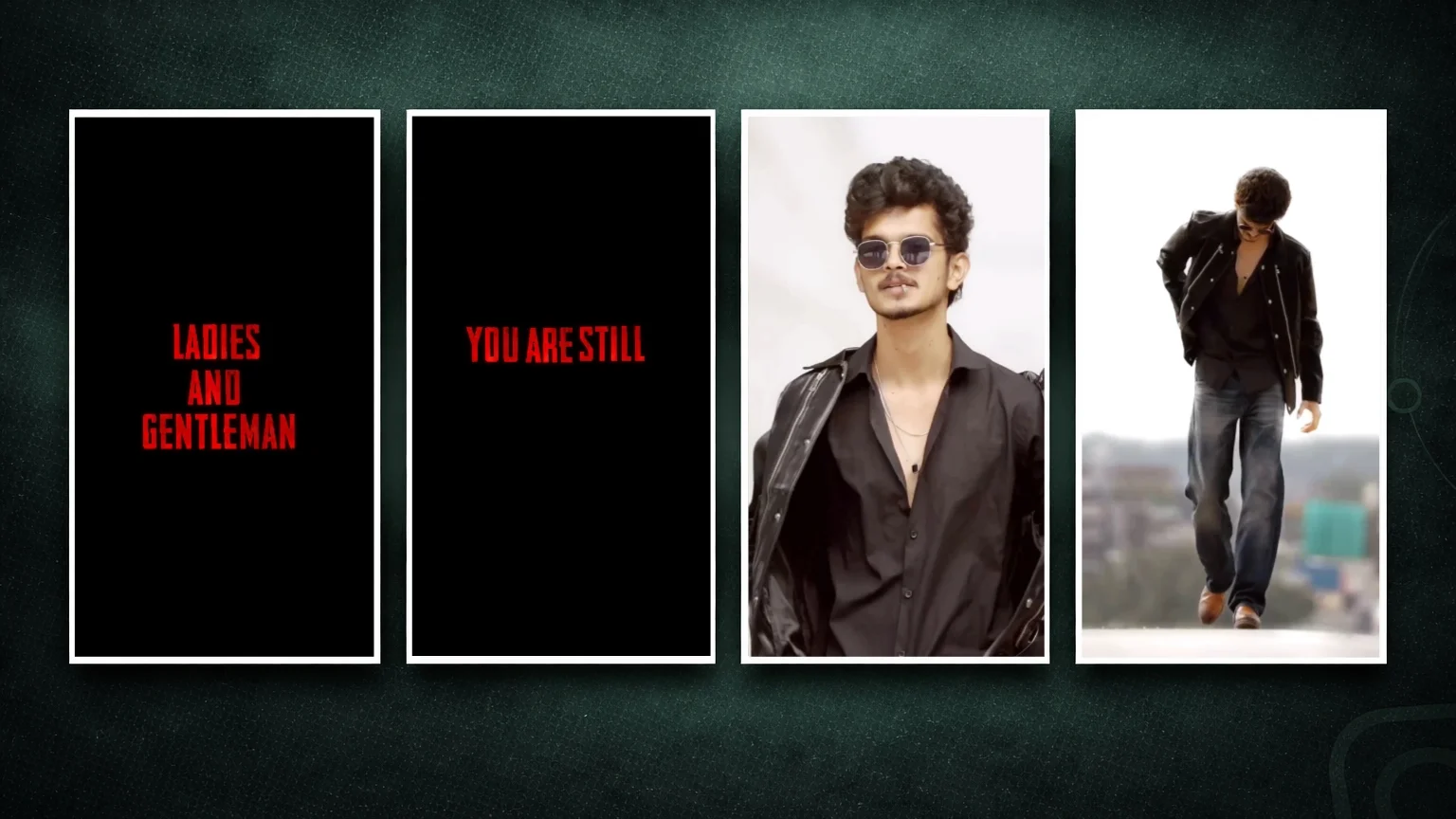
In the fast-paced world of social media, “Attitude” isn’t just a mood—it’s a brand. If you’ve spent any time scrolling through TikTok, Instagram Reels, or YouTube Shorts, you’ve undoubtedly seen those sharp, high-energy videos featuring bold Bengali or English dialogues, heavy bass drops, and mind-blowing transitions.
The secret weapon behind these viral edits? Alight Motion XML files. Specifically, those designed for Boy’s Attitude Dialogue edits.
If you are a content creator looking to dominate the “Attitude” niche, this guide is for you. We’re diving deep into why XML files are a game-changer, how to use them, and how to create the ultimate “Sigma” or “Bad Boy” vibe that forces people to hit the follow button.
What is an Alight Motion XML File?
Before we get into the “Attitude,” let’s talk tech. Alight Motion is the first professional motion design app for smartphones, bringing professional-grade animation, motion graphics, and visual effects to your pocket.
An XML file is essentially a “blueprint” of a project. Instead of sharing a massive video file, creators share a tiny code-based file. When you import this XML into your Alight Motion app, it automatically recreates every single keyframe, effect, color grade, and layer used by the original editor.
It’s like having a professional editor hand you their finished project so you can just swap the photos and text.
Why “Boy’s Attitude Dialogue” is Trending
Social media is built on relatability and aspiration. “Attitude Dialogue” videos—often featuring powerful quotes about self-respect, hustle, or “ignoring the haters”—resonate deeply with young audiences.
- The Dialogue: Usually a punchy line in Hindi, Bengali, or English that asserts dominance or confidence.
- The Visuals: Dark aesthetics, glowing edges, shake effects, and HDR CC (Color Coding).
- The Result: A high-retention video that loops perfectly, triggering the algorithm to push it to a wider audience.
How to Import and Use Boy’s Attitude XML Files
Ready to start editing? Here is the step-by-step process to transform a simple XML file into a viral masterpiece.
Step 1: Download the XML File Find a trusted source for “Boy’s Attitude” presets. These are usually shared via Google Drive or Telegram links.
Step 2: Share to Alight Motion Once downloaded, tap the file and select “Share” or “Send.” Choose Alight Motion from the list of apps. You will see a notification saying “Imported Project.”
Step 3: Open the Project Go to the “Projects” tab in Alight Motion. Your new XML will be at the top.
Step 4: Replace Media Click on the image or video layers. Tap “Color & Fill” and click the media icon to replace the placeholder with your own “Attitude” photo or video clip.
Step 5: Edit the Dialogue If the XML includes text, simply tap the text layer, select “Edit Text,” and type in your favorite dialogue.
Conclusion
Creating high-quality Boy’s Attitude videos doesn’t require a high-end PC or years of VFX training. With Alight Motion XML files, the barrier to entry has disappeared. By leveraging these presets, you can focus on what truly matters: creativity and storytelling.
Whether you’re building a personal brand or a fan page, using professional-grade XMLs is the fastest way to elevate your content from “amateur” to “influencer level.”


)
)