 Surya Prarap Singh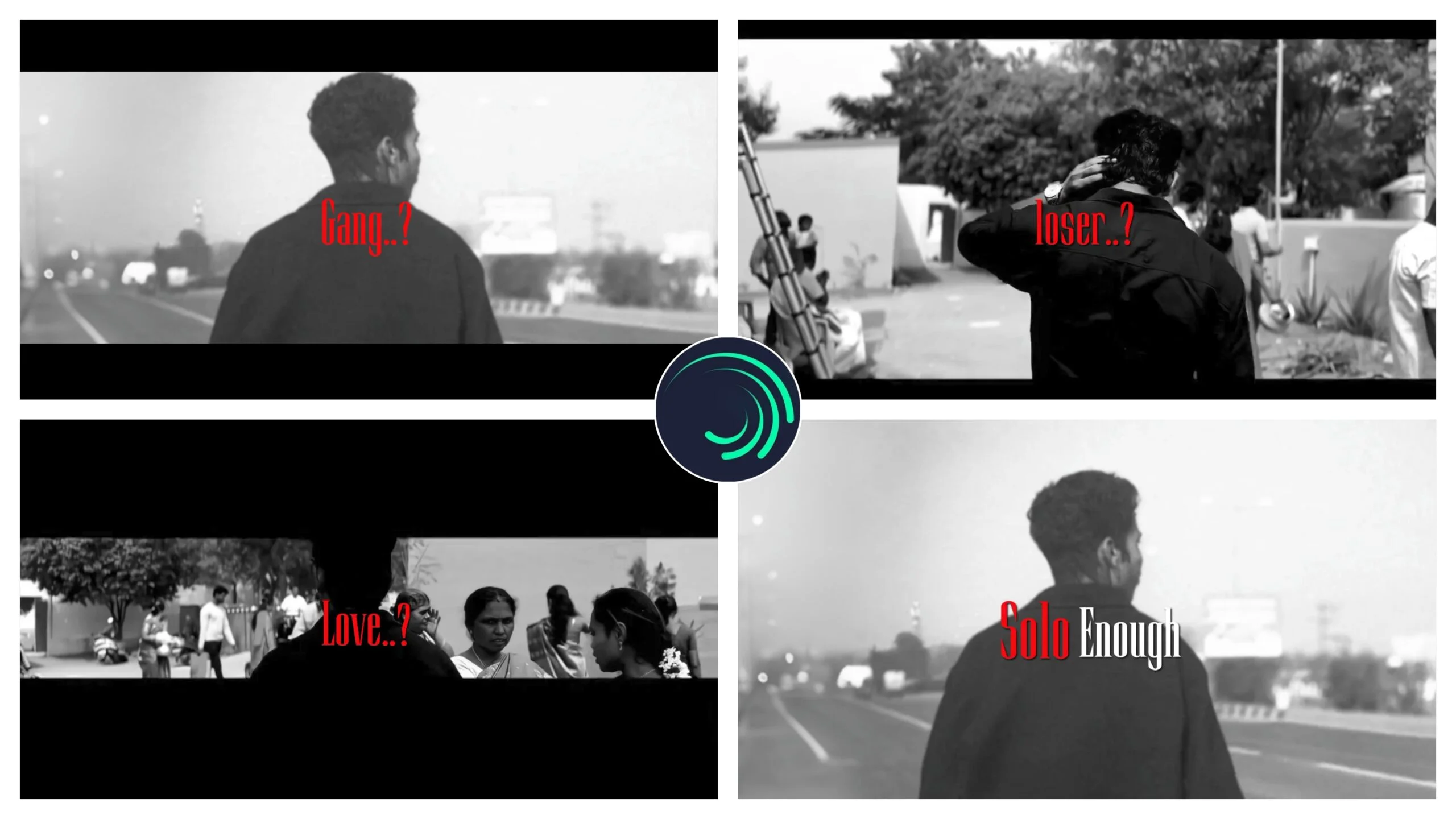
In the world of short-form video content, “Attitude” isn’t just a mood—it’s a genre. If you’ve spent any time on TikTok, Instagram Reels, or YouTube Shorts lately, you’ve likely seen the “Alone Attitude Power” trend. These videos feature sharp transitions, dark aesthetics, and powerful quotes that resonate with millions.
But how do professional editors create that high-end look without spending ten hours on a single 15-second clip? The secret lies in Alight Motion XML files.
In this comprehensive guide, we’ll explore the “Alone Attitude” movement, how to master the Alight Motion workflow, and how you can use XML files to create viral content in minutes.
What is the “Alone Attitude Power” Trend?
The “Alone Attitude” style is a specific sub-culture of video editing. It focuses on themes of self-reliance, strength in solitude, and “Sigma” energy. Visually, these edits are characterized by:
- Dark Color Grading (CC): Deep blacks, high contrast, and often a desaturated or “moody” blue/grey tint.
- Shake Effects: Precise “X and Y” axis shakes that react to the bass of the music.
- Text Animation: Bold, glowing typography that emphasizes powerful “attitude” quotes.
- Overlay Effects: Glitch particles, film grain, and light leaks that add texture to the video.
Using an XML file allows you to skip the manual labor of setting every keyframe and focus entirely on the creative direction of your project.
Why Use Alight Motion XML Files?
For those new to the app, an XML (Extensible Markup Language) file is essentially a “blueprint” of a video project. When you import an XML into Alight Motion, it brings in all the layers, effects, and timing created by a professional editor.
1. Professional Quality in Seconds
Even if you are a beginner, an XML file gives you access to advanced techniques like Graph Editing and HDR CC (Color Correction) that usually take years to master.
2. Efficiency and Speed
Instead of manually adding a “Swing” or “Pulse” effect to every image, the XML does it for you. You simply replace the media placeholders with your own photos or videos.
3. Learning by Doing
By opening a professional XML, you can see exactly which effects were used and how the keyframes were placed. It’s like having a masterclass in video editing right inside your timeline.
Step-by-Step: How to Import and Use the Alone Attitude XML
If you have downloaded an Alone Attitude Power XML, follow these steps to get it working perfectly:
- Download the File: Save the
.xmlfile to your mobile device’s internal storage. - Share to Alight Motion: Long-press the file, select “Share,” and choose Alight Motion. The app will notify you that the project has been imported.
- Replace Media: Open the project. You will see several layers marked with “Replace Me” or showing a missing file warning. Click the layer > Color & Fill > Select Media, and pick your “Alone” or “Attitude” themed clip.
- Fixing Missing Fonts: If the text looks plain, you may need to download the specific font used in the XML (usually bold fonts like Montserrat or Lemon Milk).
- Export Settings: For the best quality on social media, export in 1080p FHD with a frame rate of 30fps or 60fps and a high bitrate.
Common Troubleshooting for XML Users
Sometimes, importing an XML doesn’t go perfectly. Here is how to fix common issues:
- “Project Not Supported”: Ensure your Alight Motion app is updated to the latest version. Older versions often cannot read XML files created in newer updates.
- Laggy Preview: If your phone is struggling to play the edit, turn on “Low Quality Preview” in the app settings. This won’t affect the final export quality.
- Audio Missing: Often, XML files do not include the music file to keep the size small. You will need to download the trending audio separately and add it to the bottom layer.
Conclusion
Mastering the Alone Attitude Power style is a gateway to becoming a top-tier mobile editor. By using XML files, you aren’t “cheating”—you are using tools to enhance your productivity and learn the technical side of the craft.
The most important thing is to add your own unique touch. Don’t just copy the XML; change the colors, experiment with different fonts, and choose music that truly represents the “Attitude” you want to portray.


)
)