 Surya Prarap Singh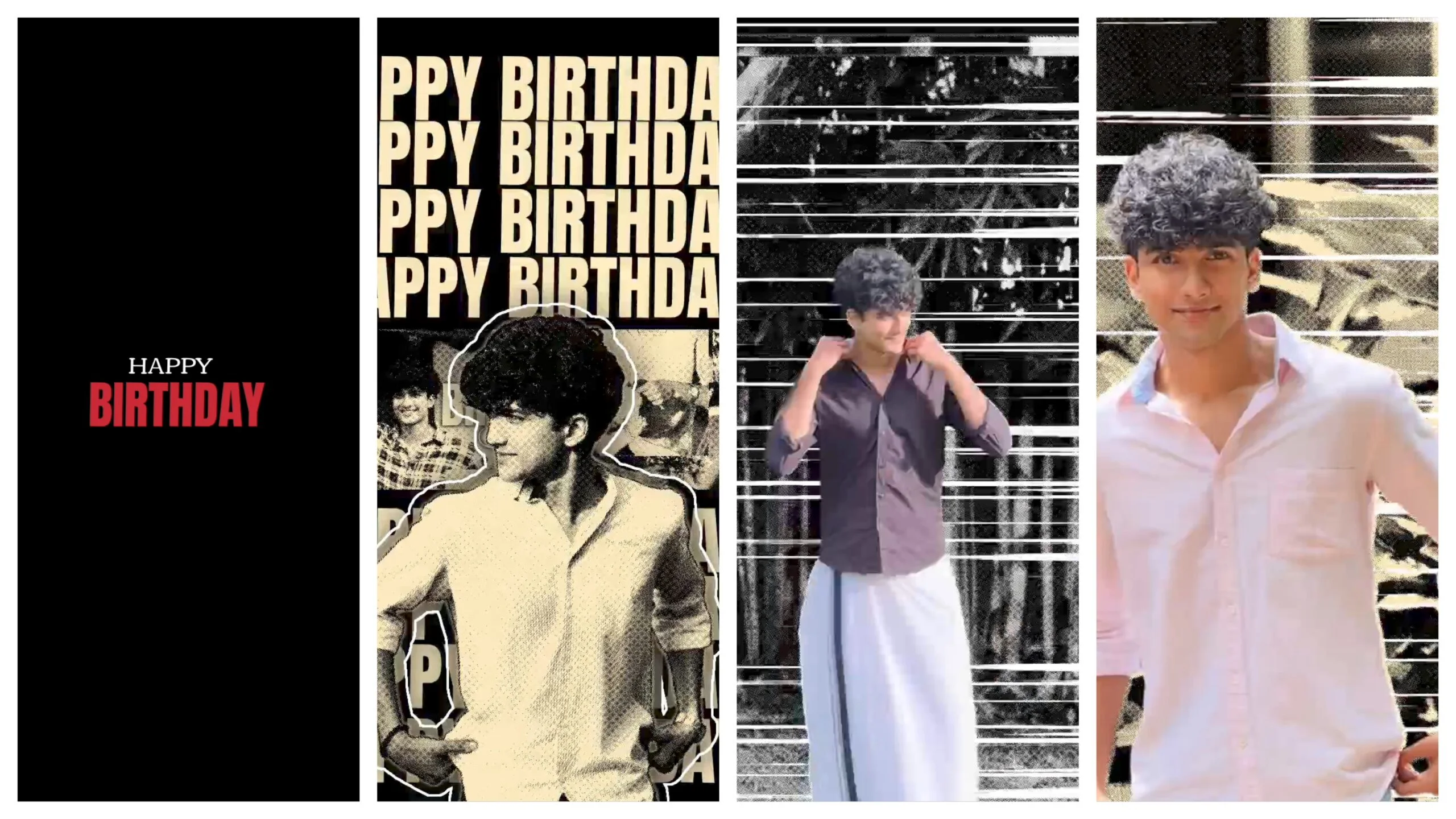
Birthdays are getting a whole new look this year, and if you are searching for trending boys birthday video editing presets, you have landed in the right place. Whether you are a content creator, a mobile video editor, or simply a parent who wants to make a special birthday reel for a son, nephew, or little brother, presets can save hours of manual color grading and give your video a professional, cinematic feel in just a few taps.
In this guide, we will walk through the most popular presets trending right now, the apps you need to use them, and simple tips to make your birthday video stand out on Instagram, YouTube Shorts, and TikTok.
Why Presets Matter for Birthday Videos
A birthday video is not just a random collection of clips. It is a memory that people will watch again and again. Presets help by instantly applying a consistent color tone, contrast, and mood across every clip, so your final video looks like it was edited by a professional studio, even if you are using a smartphone.
For boys’ birthday content specifically, the trend right now leans toward bold, energetic, and slightly cinematic tones rather than soft pastel looks (which are more common in girls’ birthday edits). Think warm oranges, deep blacks, subtle film grain, and punchy contrast.
Most Trending Presets Right Now
1. Cinematic Warm Tone Preset
This is currently one of the most searched presets for birthday reels. It adds a warm orange-and-teal color grade, similar to what you see in movie trailers. It works especially well for outdoor birthday party clips, cake-cutting moments, and slow-motion candle-blowing shots.
2. Neon Glow Preset
Popular for night birthday parties with LED lights or a disco setup. This preset boosts saturation on neon colors like blue, pink, and purple while keeping skin tones natural. It is a favorite for kids’ and teenage boys’ birthday parties with a party-hall setup.
3. Vintage Film Grain Preset
This preset adds a nostalgic, slightly desaturated look with visible grain, mimicking old film cameras. It works beautifully for birthday flashback montages, especially when mixed with childhood photos.
4. High Contrast B&W Preset
Black and white presets are trending for emotional, slow-motion birthday moments, such as a father lifting his son during a birthday hug, or candid laughing shots. It gives a timeless, editorial feel.
5. Golden Hour Preset
If the birthday shoot includes outdoor shots during evening time, this preset enhances the natural golden light, making the entire video feel warm, soft, and premium.
Best Apps to Use These Presets
You do not need expensive software to apply these looks. Here are the most commonly used apps among trending video editors:
- CapCut – Offers built-in LUTs and preset packs; extremely popular for birthday reels because of its trending template gallery.
- VN Video Editor – Lightweight, mobile-friendly, and supports custom LUT imports.
- Alight Motion – Great for advanced color grading and layering multiple presets.
- Adobe Premiere Rush – Best if you want to apply presets across multiple clips quickly on both mobile and desktop.
- VSCO – Useful for photo-based birthday intros before importing into a video editor.
Step-by-Step: Applying a Preset to a Birthday Video
- Import your clips – Select the best birthday moments: cake cutting, balloon pop, gift opening, and candid reactions.
- Trim and arrange – Keep the pacing quick for platforms like Reels and Shorts; ideally 15 to 45 seconds.
- Apply the preset/LUT – Choose one preset and apply it consistently across all clips so the video does not look mismatched.
- Fine-tune exposure and contrast – Presets are a starting point, not a final answer. Adjust brightness slightly for indoor vs outdoor clips.
- Add trending audio – Pair your preset with a trending sound to boost reach on social platforms.
- Export in high resolution – Always export in at least 1080p, and 4K if your original footage supports it, so the color grading looks crisp.
Tips to Make Your Birthday Edit Go Viral
- Keep transitions simple. Overusing flashy transitions distracts from the color grading and story.
- Match the preset mood to the party theme. A superhero-themed birthday looks great with bold, high-contrast presets, while a simple family celebration suits warm, golden tones better.
- Use text overlays sparingly. A short caption like “Happy 8th Birthday, Aryan!” works better than cluttered text animations.
- Stick to one aspect ratio. Vertical 9:16 is best for Reels and Shorts; horizontal 16:9 works better for YouTube.
- Test on mobile before posting. Most viewers will watch on a phone screen, so always preview your final export on mobile brightness settings.
Where to Find Free and Paid Presets
Many creators share free preset packs on YouTube, Pinterest, and preset marketplace websites. When downloading presets:
- Check compatibility with your editing app (CapCut presets do not always work directly in Premiere Rush).
- Prefer presets with sample before-and-after previews so you know the exact result before applying.
- Avoid presets bundled with suspicious third-party installers; stick to official app stores or trusted creator websites.
Final Thoughts
Trending boys birthday video editing presets are an easy way to transform simple party footage into a polished, shareable video. The key is not just picking a popular preset, but matching it to the mood, lighting, and theme of the actual birthday celebration. Start with one of the five presets mentioned above, keep your editing clean and fast-paced, and pair it with a trending audio track for the best chance of your video getting noticed and shared.
Whether it is a toddler’s first birthday or a teenager’s milestone celebration, the right preset can make the video feel like a mini cinematic story rather than a plain home recording.


)
)