 Surya Prarap Singh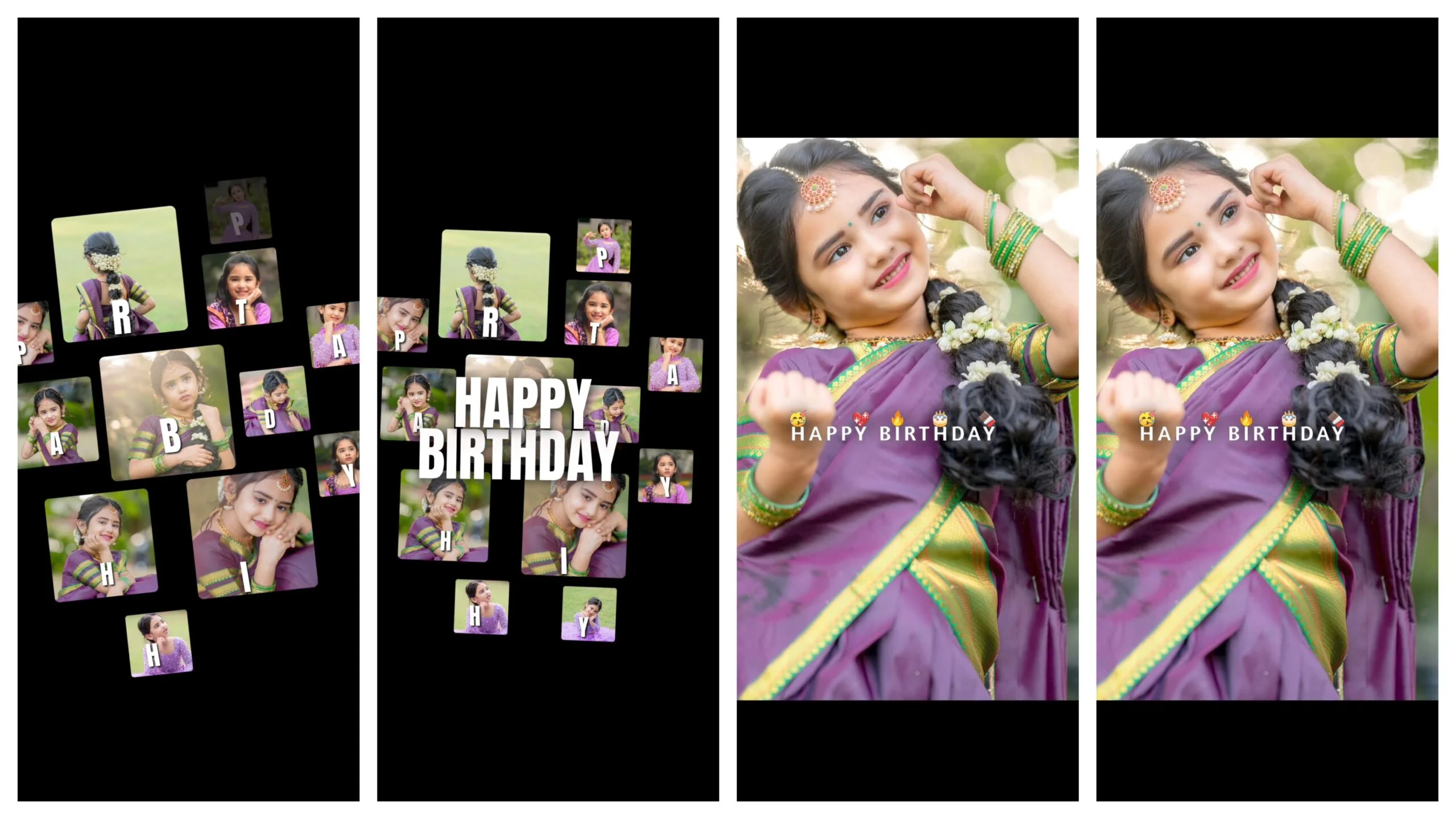
We all know the feeling. A best friend’s or a loved one’s birthday is approaching, and you want to post something more than just a static photo. You want a Birthday Reel that grabs attention, syncs perfectly with the beat, and looks like it was edited by a pro.
But let’s be real: professional editing takes hours. That is where Alight Motion Presets come in to save the day. In this guide, I’ll show you how to find and use the best free birthday presets to make your videos viral-ready in minutes.
Why Use Alight Motion for Birthday Reels?
While there are many mobile editors out there, Alight Motion remains the king for creators who want custom animations. Unlike basic apps, it allows for:
- Vector Graphics: Clean icons and shapes.
- Keyframe Animation: Complete control over movement.
- Advanced Color Grading: Making your phone footage look like a cinematic masterpiece.
Using a preset (or XML file) allows you to skip the “learning curve” and jump straight to the “wow factor.”
How to Import and Use Alight Motion Birthday Presets
If you are new to using presets, don’t worry. It’s a simple process. Follow these steps to get started:
Step 1: Find Your Link or XML File
Most creators share presets via HTTP links or XML files.
- Links: Clicking the link usually redirects you directly to Alight Motion.
- XML: You download a small file and “Share” it to the Alight Motion app.
Step 2: Replace the Media
Once the project opens, you will see several layers. Look for layers labeled “Your Photo” or “Media.” Tap on the layer, go to Color & Fill, and select your own photo from the gallery.
Step 3: Adjust the Text
Don’t forget to change the “Happy Birthday” text! You can usually customize the name, age, and even the font to match the person’s personality.
Where to Find the Best Free Birthday Presets?
Finding high-quality, free presets can be tricky. Here are the best sources:
| Source Type | What to Look For | Pro Tip |
| YouTube Creators | Search for “Birthday Preset Alight Motion Link” | Check the description box for Google Drive links. |
| Telegram Channels | Search for “Alight Motion XML” | Best for finding files without annoying ads. |
| “Alight Motion QR Codes” | You can scan QR codes directly in the app to import styles. |
Frequently Asked Questions (FAQs)
Are Alight Motion presets really free?
Yes! Most of the community creators share their work for free. However, if the preset uses “Premium” effects, you might need a subscription to export without a watermark.
Why is my preset laggy?
Alight Motion uses a lot of RAM. If your preview looks laggy, don’t worry—the final exported video will be smooth. Try “Lowering Preview Quality” in the settings if it’s too slow.
Can I use these on iPhone and Android?
Absolutely. Alight Motion works seamlessly across both platforms, and presets are generally compatible with both.
Conclusion
Creating a stunning birthday tribute shouldn’t be stressful. With free Alight Motion presets, you can turn a few photos into a professional-grade video that the birthday boy or girl will cherish forever.
Stop settling for basic slideshows. Download a preset today, swap in your favorite memories, and watch the likes pour in!


)
)