 Surya Prarap Singh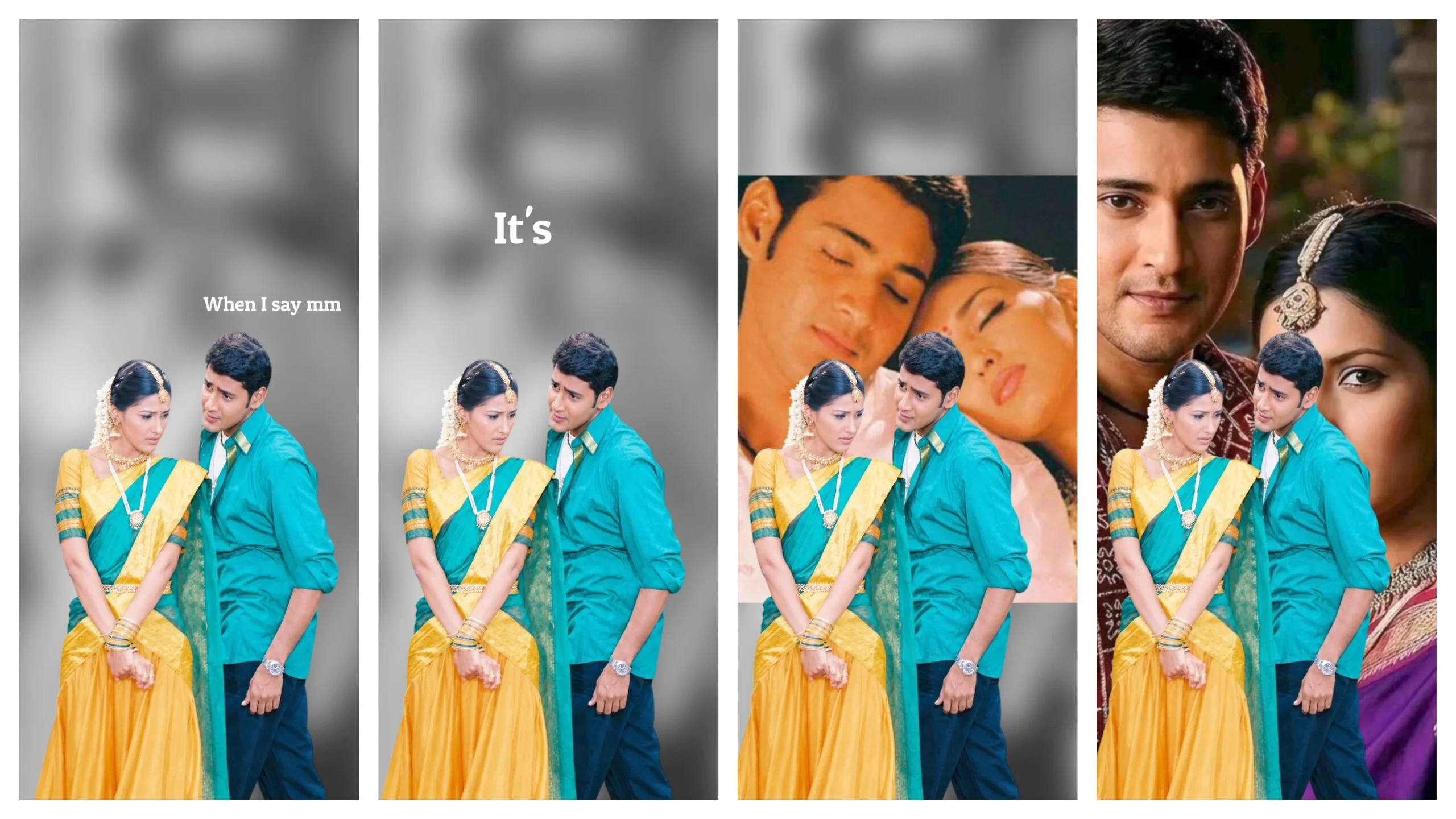
If you have scrolled through Instagram or TikTok lately, you have probably noticed that couple reels look completely different from what they did even a year ago. The transitions are smoother, the colors are richer, and the timing feels almost cinematic. Most of the time, the secret behind that polished look is not an expensive camera or a professional editor. It is a well-made preset in Alight Motion.
I started using Alight Motion a few years ago when I wanted to edit anniversary videos for friends, and I quickly realized that presets are one of the most underrated tools for anyone creating romantic or couple-themed content. In this post, I want to walk you through what these presets actually do, why they work so well for love reels specifically, and how you can use or build your own without making your video look generic or overdone.
What Exactly Is an Alight Motion Preset?
An Alight Motion preset is essentially a saved animation, color grade, or transition effect that you can export as a file (usually with a .alight_motion_project or .zip format) and import into someone else’s project. Instead of manually keyframing every zoom, blur, or light leak from scratch, you drop the preset onto your clip, adjust the timing slightly, and the effect applies automatically.
For couple reels, presets usually fall into a few categories:
- Color grading presets that give footage a warm, golden-hour tone or a moody cinematic look
- Transition presets for the classic hand-hold-to-camera-spin or the slow zoom-in on a shared glance
- Text and typography presets for adding song lyrics or quotes that fade in sync with the beat
- Light leak and overlay presets that add that soft, dreamy glow couples love in their reels
The appeal is obvious. You get a professional finish without spending hours learning animation curves or color theory.
Why Couple Reels Specifically Benefit From Presets
Romantic content lives or dies on mood. A couple laughing at a café or walking on a beach is a nice moment, but it becomes memorable when the edit supports the emotion instead of distracting from it. This is where presets earn their reputation.
A warm, slightly desaturated color grade tends to make everyday footage feel nostalgic, almost like a memory you are looking back on rather than something that just happened. A slow zoom paired with a soft fade works well for the quiet moments, while a punchy beat-synced cut suits the fun, playful clips. Good presets are built with this emotional pacing in mind, which is why they save so much editing time. Someone has already done the trial and error of matching visual rhythm to feeling.
Popular Preset Styles Trending Right Now
A few style categories have consistently performed well in couple content this year:
Cinematic Film Look – Slightly warm shadows, soft contrast, and a subtle grain overlay that mimics old film cameras. This style pairs beautifully with slow motion clips of couples walking or dancing.
Golden Hour Glow – Presets that boost warm tones and add a gentle bloom effect, ideal for sunset shoots or outdoor dates.
Soft Pastel Aesthetic – Popular for anniversary reels and proposal videos, this style leans into pink and lavender hues with gentle light leaks.
Beat Sync Transitions – Quick cuts and zoom transitions timed precisely to a song’s beat drops, often used for “getting ready together” or travel montage reels.
Text Reveal Presets – Typography animations where lyrics or quotes appear letter by letter or word by word, often used to highlight a meaningful line from a song.
How to Use Presets Without Making Your Reel Look Copy-Pasted
Here is something worth being honest about: presets can make your video look amazing, but they can also make it look identical to a thousand other reels if you are not careful. A few adjustments go a long way in keeping your content original.
First, always tweak the timing. Presets are made for a “default” clip length, but your footage rarely matches that exactly. Nudge the keyframes so the transition lands on your actual moment, not just wherever the preset places it.
Second, adjust the color intensity to match your original footage. A preset built for daylight shots will look off if applied directly to an indoor evening clip. Pull the opacity of the color layer down, or tweak the temperature slider slightly, until it blends naturally with your lighting.
Third, mix presets instead of relying on just one. Combining a transition preset from one creator with a color grade from another gives you a result that no one else has. This single habit is probably the biggest difference between reels that look “borrowed” and reels that look uniquely yours.
Finally, always add a personal touch, whether that is your own handwriting-style caption, a specific song choice, or a small animation you made yourself. Viewers can tell the difference between a template and a story, even if they cannot explain why.
Where to Find Reliable Presets
A lot of couple reel presets are shared for free by creators on YouTube and Instagram, often uploaded to Google Drive links in the video description. Alight Motion’s own community forums and Discord servers are also worth checking, since experienced editors often post their preset files along with short tutorials.
Before downloading anything, it helps to check the creator’s other posts to confirm the preset is genuinely theirs and not just reposted content with broken layers. A well-made preset should include labeled layers and a short note on which Alight Motion version it was built in, since compatibility issues are common between updates.
Final Thoughts
Presets are not a shortcut that replaces creativity, they are a starting point that lets you spend your time on the part that actually matters: choosing the right moments, the right music, and the right pacing for your story. Couple reels work best when the editing feels invisible, when viewers are focused on the relationship on screen rather than the technique behind it.
If you are just starting out, pick one or two preset styles, learn how they are built by opening the layers inside Alight Motion, and slowly start adjusting values yourself. Within a few projects, you will likely find yourself building small custom presets of your own, which is honestly the most satisfying part of this whole process.


)
)